Compare · Employee monitoring
WorkMonitor vs WorkTime
Non-invasive monitoring that positions itself on privacy: no screenshots, no keystroke content.
Written from public materials and reviewed August 30, 2026. Check anything here against WorkTime’s own site before you decide, and everything below about WorkMonitor carries the same live, beta and planned marks as our product pages.
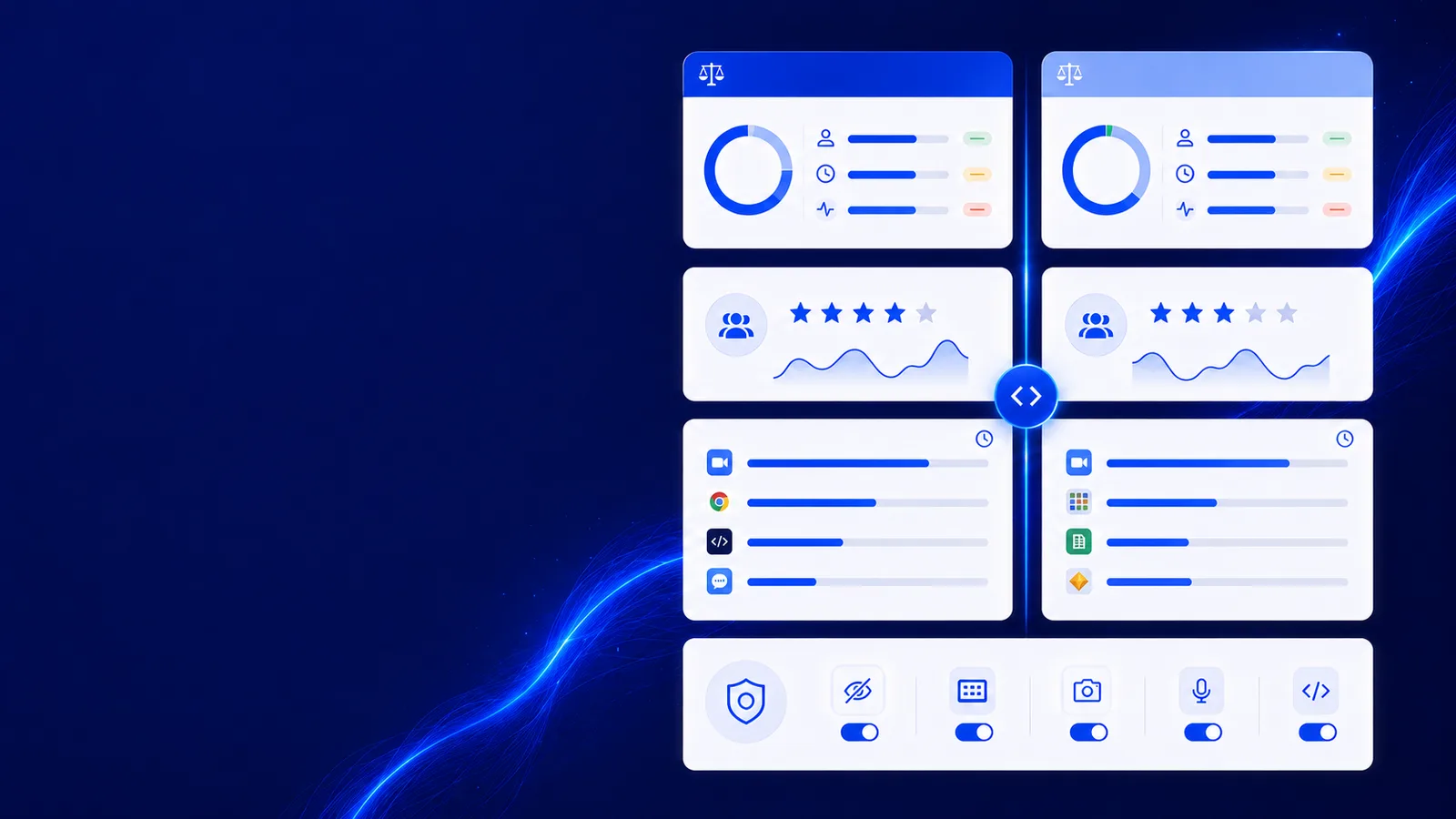
Watching people work, or proving the work happened
workmonitor.vsScreenshot-based monitoring
What the evidence is
With WorkMonitor
A work-edge record built from commits, tickets, documents and active-tab URLs, with no pixel capture in the proof path.
Screenshot-based monitoring
Screenshots on an interval, plus an activity percentage derived from keyboard and mouse events.
Showing a client
With WorkMonitor
A signed, timestamped certificate they verify on a public page, disclosing only the fields you choose.
Screenshot-based monitoring
Export the screenshots into a deck, which exposes the client’s own data to prove you worked on it.
What "productive" means
With WorkMonitor
Focus and deep-work stretches with category overrides you control, and every score opens into its breakdown.
Screenshot-based monitoring
Input volume, which rewards fidgeting and penalises reading, thinking and pair work.
When a decision is challenged
With WorkMonitor
A transparency view of their own record, a dispute route with a right to human review, and a log of who looked — so the decision holds up when somebody pushes back on it.
Screenshot-based monitoring
Data collected about a person that the person cannot see and cannot contest, which is where the argument starts.
Capture cadence
With WorkMonitor
Randomised cadence, plus integrity signals that detect simulated input and downgrade any proof built on it.
Screenshot-based monitoring
A fixed interval, which everybody learns within a week and works around.
Operating across borders
With WorkMonitor
Capture policy per region, consent recorded against a version, and written guidance for 32 jurisdictions.
Screenshot-based monitoring
One policy applied everywhere, and a legal review that starts from scratch in each new market.
- Proof Ledger
- Outcomes
- Certificates
- Audit log
- Data access
- Disputes
- Data egress
- Export
- What We See
- Controls
- PR #482Checkout redesign — final buildCarried into cert_2f7b0cAKAria K.12h 40mConfirmed
- DES-77Brand system v3 handoffSDSara D.15h 30mConfirmed
- NLS-214Invoice export endpointJMJon M.8h 05mConfirmed
- PR #476Reporting dashboard — data layerLMLena M.9h 50mConfirmed
- NLS-231Onboarding flow copy passwhy:ticket_key:NLS-231assignee_matchRPRavi P.4h 15mProposed
- WEB-119Mobile nav accessibility fixesTVTomas V.6h 30mProposed
What WorkMonitor ships, with its real status
- WORM-anchored certificates (from a finalized invoice)
- Public no-login verifier
- Selective disclosure
When WorkTime is the better answer
You want the narrowest possible capture and nothing else, no proof layer, no billing, no payroll.
If that is the deciding requirement, buy that instead. Nothing on this page is worth reading if the unflattering half is missing from it, which is also why every capability above carries its real status rather than a tick.
Switching
Bringing your WorkTime history across
Nobody switches tools if it means abandoning a year of history. Export yours as CSV and the importer maps it onto our columns: email, date, minutes, project, task, note. There is no dedicated WorkTime preset yet, so expect to line the columns up once rather than not at all.
Ask AI
Ask anything about your team
Plain-language answers about your own workforce data, with the figures behind them. Pick a question to see how it reads.
Pick a question above and WorkMonitor AI will answer from your team's real numbers.
Also comparing
Other employee monitoring tools
- WorkMonitor vs HubstaffTime tracking with screenshots, activity rates and GPS, aimed at distributed teams that bill by the hour.
- WorkMonitor vs Time DoctorWorkforce analytics and performance reporting built around tracked time and distraction alerts.
- WorkMonitor vs ActivTrakWorkforce analytics that classifies app and website use into productivity dashboards for coaching.
- WorkMonitor vs InsightfulTime and activity tracking for hybrid teams, with visible and stealth monitoring modes.
Take these with you
The software is the easy part of a rollout
Here is what we would send a manager doing one for the first time: how to read a productivity number, what to say to a remote team before anything is installed, and a policy you can adopt as written.
Point it at one team for a week.
Create the account, put the agent on a handful of desks, and leave it alone. On Friday you read the week instead of reconstructing it: hours against their projects, focus and idle per person, and the timesheets already filled in.
Free for two seats. No card, and no sales call to sit through.