Use case · Remote & hybrid teams
Run a distributed team on facts, not status calls
One live board across every time zone, attendance measured in each person’s local day, and capacity signals that name who is overloaded, so "how is it going" stops being a meeting.
Free for two seats, no card.
- Enrol remotelyThe enrol → session → ingest protocol and signed auto-update mean a rollout does not require touching a machine.
- Mirror your orgOrg structure syncs from your HRIS, and roles scope to a node in the tree so a regional manager sees their region and nothing above it.
- Read the day locallyAttendance and coverage are computed per person’s local day, so cross-zone teams are compared fairly.
- Let the digest do the standupA weekly summary scoped to each reader replaces the status meeting that existed only to collect information somebody already had.
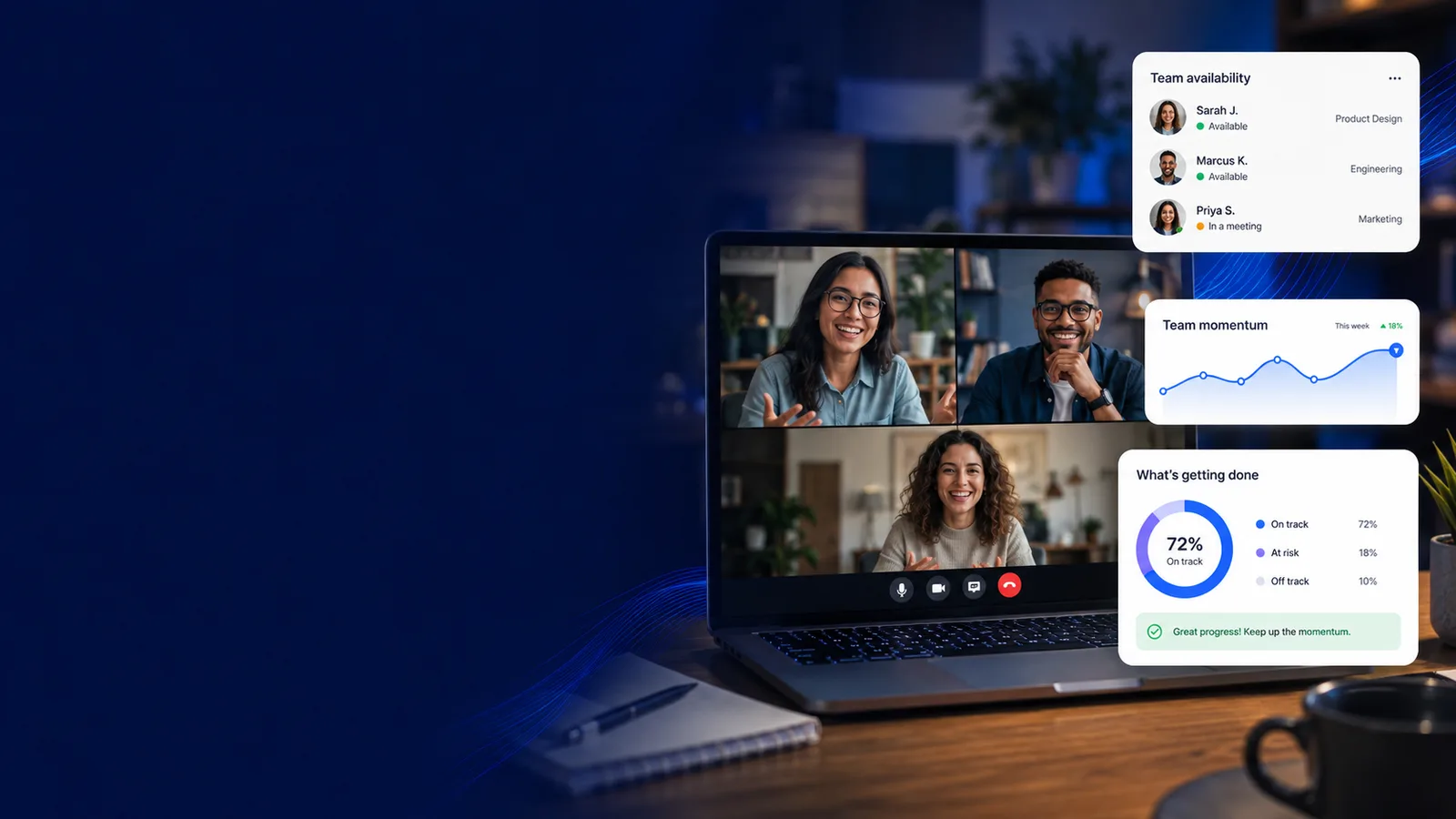
Manage remote & hybrid teams
What distributed management needs that an office never did
Every line here opens the screen it happens on. Judge the job on what it puts in front of a manager, not on the sentence describing it.
How it works
From remote enrolment to a digest that replaces the call
- 1
Enrol remotely
The enrol → session → ingest protocol and signed auto-update mean a rollout does not require touching a machine.
- 2
Mirror your org
Org structure syncs from your HRIS, and roles scope to a node in the tree so a regional manager sees their region and nothing above it.
- 3
Read the day locally
Attendance and coverage are computed per person’s local day, so cross-zone teams are compared fairly.
- 4
Let the digest do the standup
A weekly summary scoped to each reader replaces the status meeting that existed only to collect information somebody already had.
Status meetings vs. a board that already knows
workmonitor.vsStatus-call culture
6differences, worked through below
Finding out how the week went
With WorkMonitor
A weekly digest scoped to what you manage, with top movers, app usage and shipped work already assembled.
Status-call culture
A recurring meeting whose only purpose is to collect information one person already had.
Time zones
With WorkMonitor
First and last activity per person per local day, with coverage computed across zones.
Status-call culture
An attendance report on head-office hours, which quietly marks half the team as late.
Who is struggling
With WorkMonitor
Capacity bands, load trend and the driver behind it, plus a burnout signal weeks earlier.
Status-call culture
You find out at the resignation, or at the missed deadline.
Is anyone actually online
With WorkMonitor
Online means a device reported in moments ago. Everything else on the card is labelled as the last-window history it is.
Status-call culture
A green dot in a chat tool that means "the app is open".
Rolling the tool out
With WorkMonitor
Remote enrolment with signed packaging and signed automatic updates.
Status-call culture
Ship laptops, or talk somebody through an installer over a video call.
Who can see whom
With WorkMonitor
Custom roles scoped to a node in the org tree, with every access to a person’s data on a hash chain.
Status-call culture
Admin or nothing, so half the company can read the other half.
Everything behind visibility at a distance
- Live activity board
- Live screens (a frame every few seconds, nothing stored) — Business and above
- Screenshots & gallery
- Activity timeline / day reconstruction
Ask AI
Ask AI how the distributed week is going
Answers scoped to what you manage, computed in each person’s local day rather than in head-office hours.
Pick a question above and WorkMonitor AI will answer from your team's real numbers.
The status meeting, already written
Status is normally assembled by asking. Here it is already: hours, activity, attendance and risk on one board, for one person or the whole company. Set the thresholds once and it tells you who needs you.
Who runs this
Teams that never share a building
Where you operate
Monitoring law where distributed teams actually sit
- GermanyThe works council holds a veto, and a productivity dashboard is enough to trigger it.
- United KingdomThe ICO's 2023 monitoring guidance is the operative document, and it expects a DPIA.
- PolandThe Labour Code lists the permitted purposes, and productivity is not one of them.
- IndiaDPDP gives employment a legitimate use, but automated monitoring is argued to sit outside it.
- PhilippinesTransparency, legitimate purpose and proportionality: the three-part NPC test.
- Canada (federal)Reasonableness is the statutory test, and the OPC applies a four-part necessity analysis.
Straight answers
The questions we would ask in your position
Every answer here is the one you would get on a call. Open as many as you like; they stay open, so two can be held side by side.
By computing attendance in each person’s local day rather than in head-office hours. First activity, last activity and coverage are all per-local-day, which is the difference between a fair report and one that marks an entire region as chronically late.
Only if you give them that. Roles scope to a node in the org tree, so a regional manager sees their region. That scoping is enforced on the server against the session rather than against the URL, and every access to a person’s data is written to a hash-chained log.
Through remote enrolment, with signed release packaging and automatic updates so the fleet stays current without a second rollout. Identity comes from your existing directory. Okta, Entra and Google are among the nine connectors.
The information-gathering ones, yes: that is what the weekly digest is for, and it is scoped to the reader rather than broadcast org-wide. The meetings that exist to make decisions still need to happen; they just start from a shared picture instead of from a round of updates.
By starting from the local rules and making the programme inspectable. Capture policy is set per team and per region, consent is recorded against a policy version, the transparency view shows each person what is collected, disputes reach a human, and the data-access log records who looked. In several European markets those are exactly the things a works council wants settled before it agrees, and distance removes the manager who would otherwise explain the tool.
Keep going
The jobs next to this one
Same record, read for a different question. Each one opens the page written for that job.
- Score productivity & focusOne score per person, team or company, with the breakdown behind every one. Your categories rather than our defaults, and a capacity signal that names who is running hot.
- Track time automaticallyNo timer to start, no Friday reconstruction. Idle is split out rather than estimated, and approved hours reach payroll and invoicing without a re-key.
- Catch anomalies with smart alertsAnomaly detection against your own baseline, six named agents on specific jobs, evidence-cited summaries, and delivery to a channel your team already reads.
Take these with you
The software is the easy part of a rollout
Here is what we would send a manager doing one for the first time: how to read a productivity number, what to say to a remote team before anything is installed, and a policy you can adopt as written.
Point it at one team for a week.
Create the account, put the agent on a handful of desks, and leave it alone. On Friday you read the week instead of reconstructing it: hours against their projects, focus and idle per person, and the timesheets already filled in.
Free for two seats. No card, and no sales call to sit through.